Render animations in AMASS SMPL-X format in Blender
Set up
Install blender SMPL-X add-on [Tutorial]

Create a conda environment with the same python version as blender (You can check it at blender’s python interactive console under scripting tab)
In that environment, install blender_notebook
open this script in jupyter notebook and select blender kernel
[1]:
import bpy
from genmotion.render.blender.utils import *
import numpy as np
You might need to manually remove the default cube in the scene
[3]:
# Add a model into scene
import_smplx("neutral")
Adding gender: neutral
Setting hand pose: relaxed
/snap/blender/830/2.93/python/lib/python3.9/site-packages/numpy/core/_asarray.py:83: VisibleDeprecationWarning: Creating an ndarray from ragged nested sequences (which is a list-or-tuple of lists-or-tuples-or ndarrays with different lengths or shapes) is deprecated. If you meant to do this, you must specify 'dtype=object' when creating the ndarray
  return array(a, dtype, copy=False, order=order)
[4]:
data = np.load("../../SSM/20161014_50033/jumping_jacks_sync_stageii.npz", allow_pickle=True)
[8]:
# Set animation
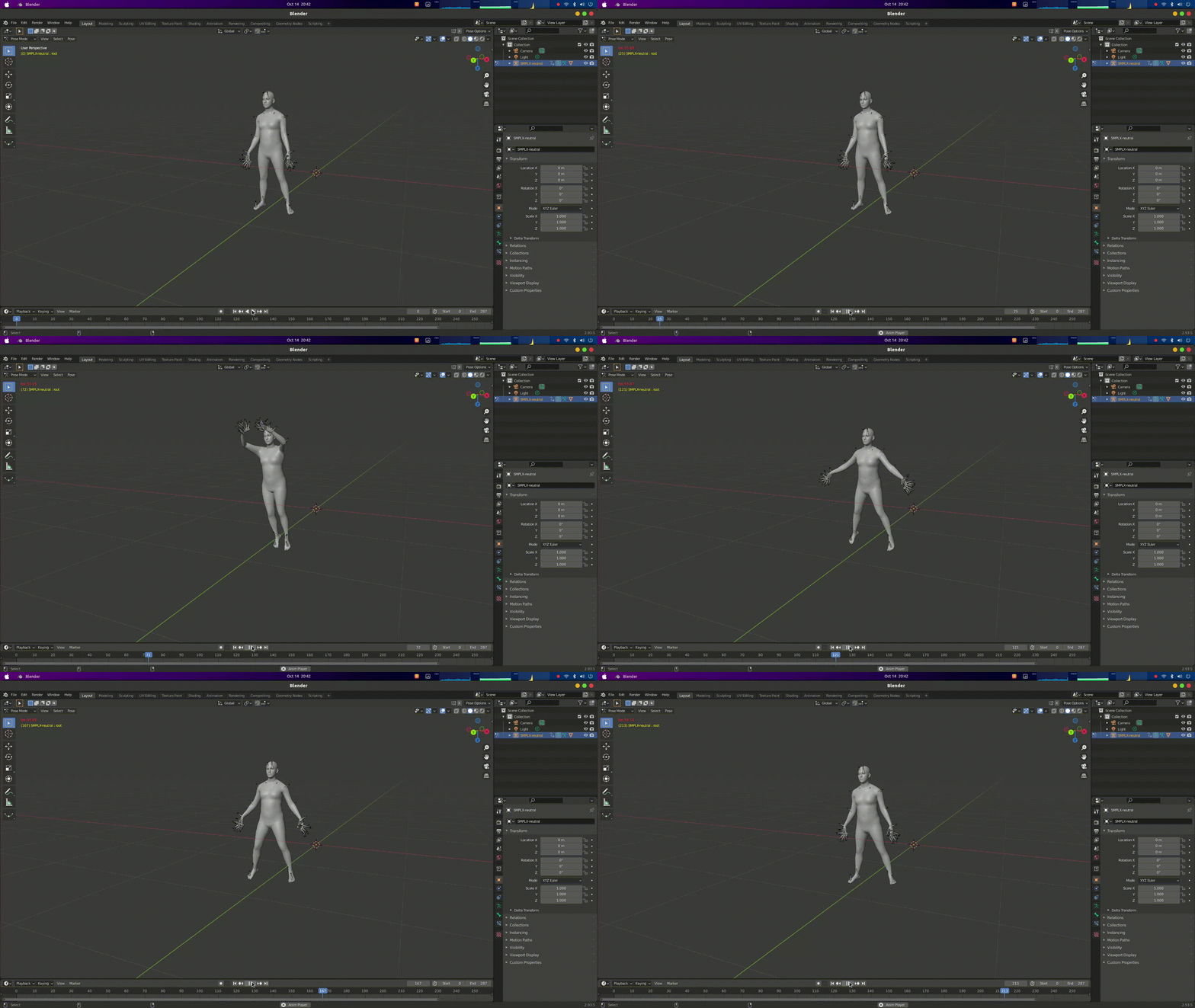
set_amass_animation(data)
100%|███████████████████████████████████████████████████| 287/287 [00:08<00:00, 32.49it/s]
This will generate the animation in Blender
[32]:
# Clear all animation
clear_all_animation()
[ ]: